Choose a month
Your photo library is arranged into manageable monthly collections. Start with yesterday, last summer or a forgotten year.
How it works
Fewer Photos organises your library by month and presents one item at a time. There are no automatic deletions and no pressure to finish a review in one sitting.
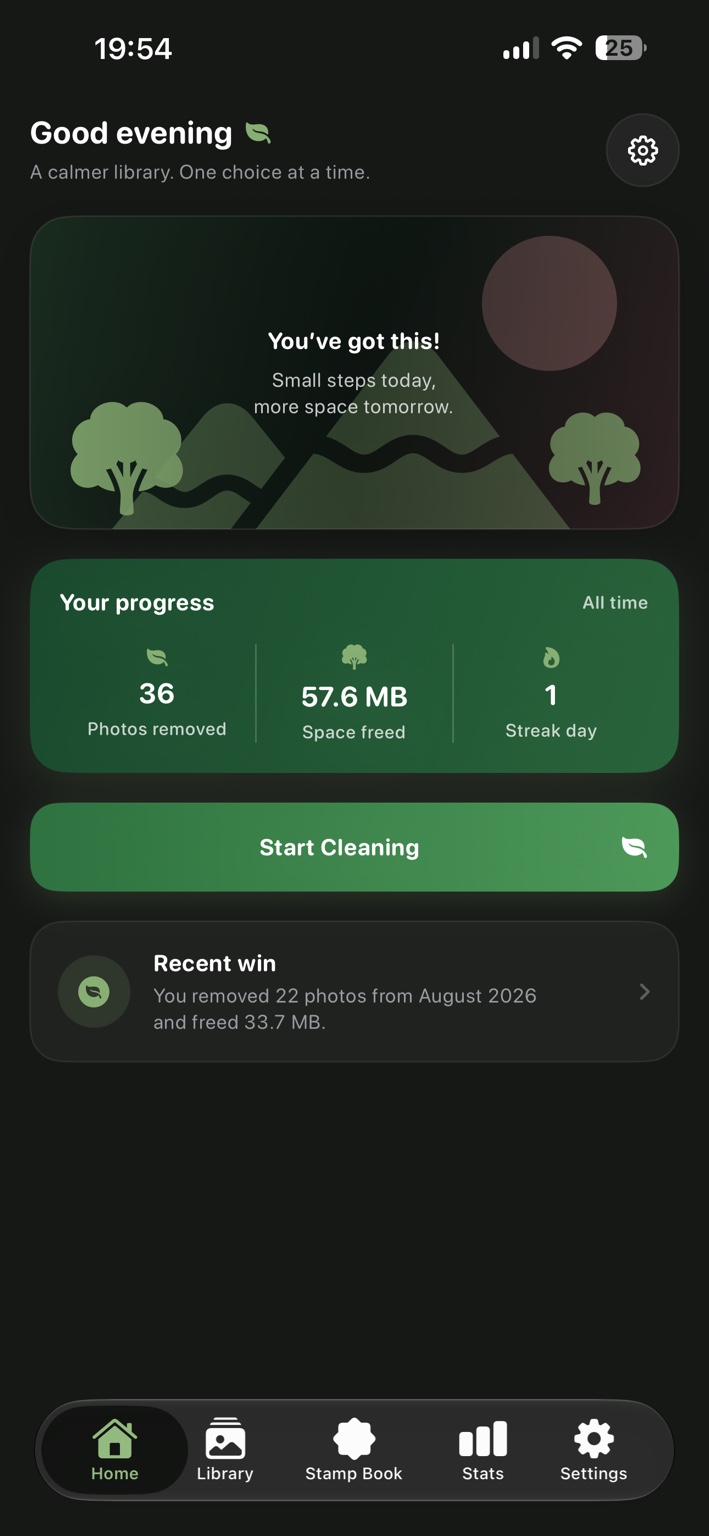
Your photo library is arranged into manageable monthly collections. Start with yesterday, last summer or a forgotten year.
Swipe or use the clear controls to keep an item or place it into the Review Queue.
Undo the most recent choice at any time. Favouriting is also available without leaving the review.
Progress is saved automatically. Close the app halfway through a month and continue from the remaining items later.
Every item marked for deletion remains visible in a separate queue. Restore individual items before confirming anything.
Fewer Photos only requests deletion after you explicitly confirm the queue. Apple Photos then presents its own system confirmation.
Choose your controls
Swipe down to keep and up to queue for deletion. Designed for comfortable one-handed use.
Swipe left to queue for deletion and right to keep. Familiar, direct and available from Settings.
Built around deliberate deletion
Fewer Photos never silently removes an item. Your queue remains reviewable until you choose to continue, and Apple provides the final system-level deletion prompt.
Read common questions